
On this page
On this page
A mixer is a night of doubles across your courts. You pick a format, dinked.in pairs every round, players score their own courts, and the standings keep themselves. Here's the whole night, start to finish.
01 Set up a mixer # link
Tap Organize in the menu, then Spin up a mixer on the Mixers card. Running it for a club? Use + New mixer on the club's page, and it's set up under the club.
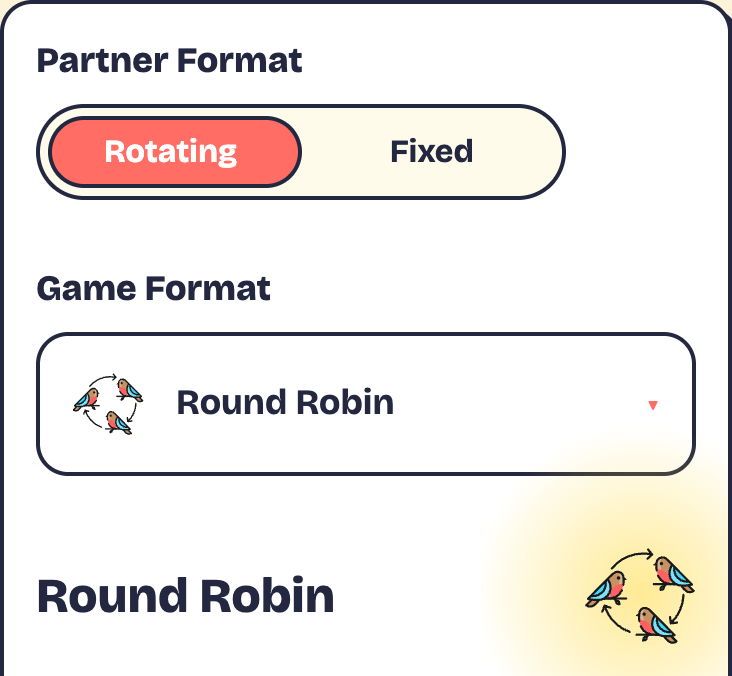
Step 1: pick a format
- Choose Rotating (new partner every game) or Fixed (play the night with one partner) under Partner Format.
- Pick one under Game Format and read how it plays. Not sure? See Pick a format.
- Tap Select and continue.
Saved a setup before? Start from it under Saved templates.
Step 2: the details
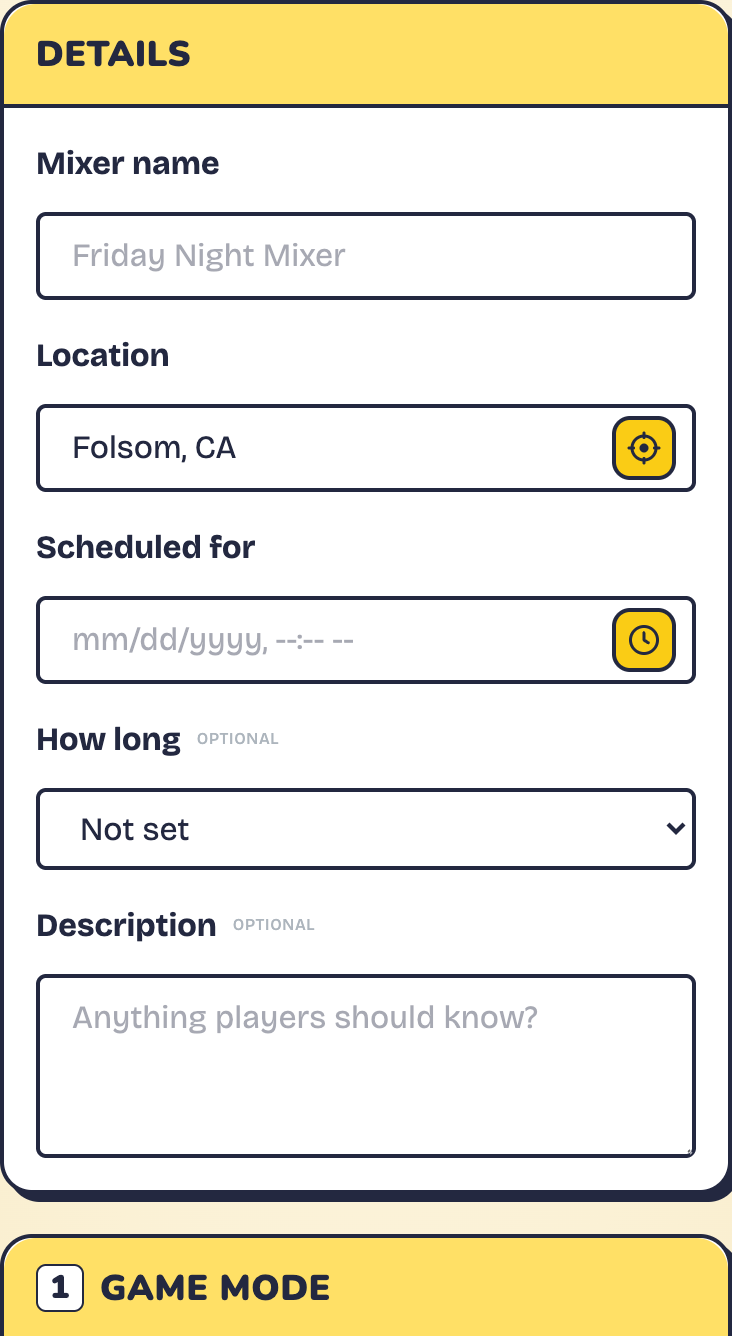
Give it a Mixer name, a Location and a Scheduled for date and time. Those three are required. Then check the five cards. The defaults are good to go, so change only what you need:
- Game Mode: Traditional or Rally scoring, played to a target score or on a timer.
- Courts: how many courts you have, and how long the night runs. Set Total rounds (0 keeps going until you stop) or, for Round Robin, Games per player. Rename courts under Court Naming · Advanced.
- Rotation & Movement: tweaks for your format. Allow player advance lets any player start the next round. Allow uneven number of players lets spare players sit out in turn.
- Results & Scoring: how standings rank (Win / Loss, Total Points, Court-Weighted Points or Win Percentage), and whether the other team has to approve each score.
- Access & Sharing: Who can join? Public, Members (your club only) or Invite. You can also approve players before they join, and add up to five co-hosts to help run it.
Tap Create Mixer and you land in the lobby. Save as Template keeps the setup for next time.
02 Get players in # link
How players join
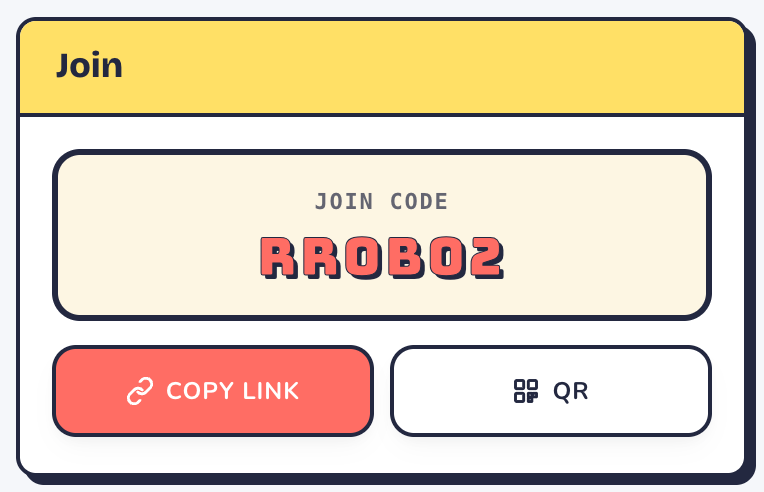
- Open the link or scan the QR. Or tap Play, then Join, type the code and tap Go.
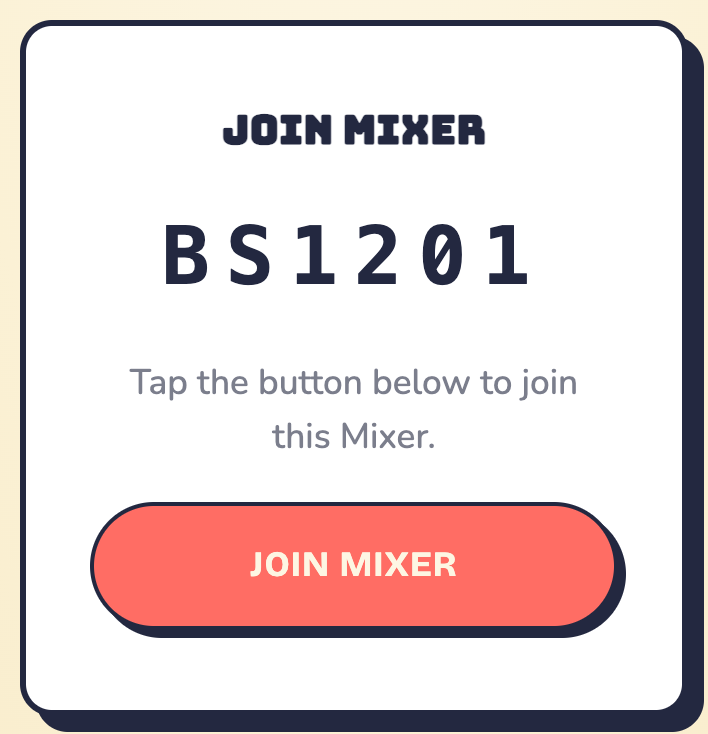
- Tap Join Mixer. No account yet? They can sign up right there.
- They land in the lobby, on the roster.
Nearby players can find public mixers under Play → Find and tap Join This Mixer on its page. Members mixers show only to your club.
Approving players? The button reads Ask to Join instead, and you'll see each request under Who's asking, with Let them in and Not this time.
Fixed partners
Players tap Join with a partner and search for them by name, or share their partner link if the partner hasn't joined yet. Join solo puts them on the roster to be paired by you.
Changed plans? A player can tap Leave This Mixer any time before it starts.
03 Add players & guests # link
Not everyone needs to sign up. As the host, you can add people yourself, including guests with just a name.
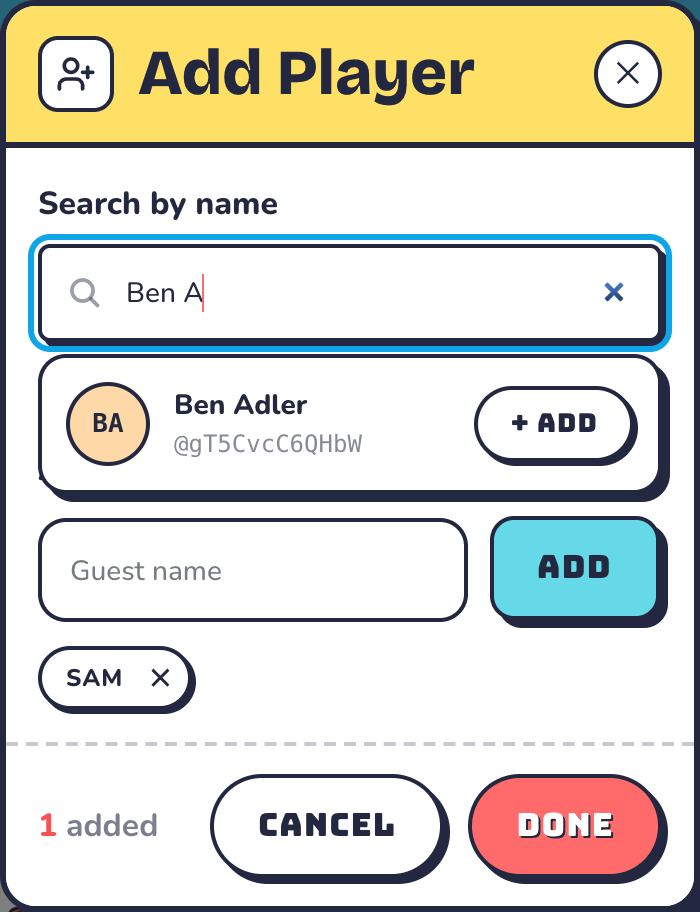
- In the lobby, tap the add-player icon next to the Players heading.
- Search by name and tap + Add, or type a name under or add a guest and tap Add.
- Add as many as you like, then tap Done.
Turn a guest into a player
Tap the link badge on a guest's tile. Then either search for their account and link it, or tap Generate link and send them a single-use claim link (Revoke cancels it). Their games carry over either way. Once the mixer starts, the badge stays on guests in the Standings tab for 24 hours, so you can still link them.
- To remove someone, tap the ✕ on their tile. Players you add can leave on their own, too.
04 Start the mixer # link
- Seeded formats show Seed Order: Round 1 Matchups. Court 1 gets the top seeds. Drag a player to move them, or tap Reshuffle by Skill or Reshuffle Random.
- Fixed partners: tap two players to pair them, or use the auto-pair menu.
- Pool Play: split pairs into pools with Random or Balanced.
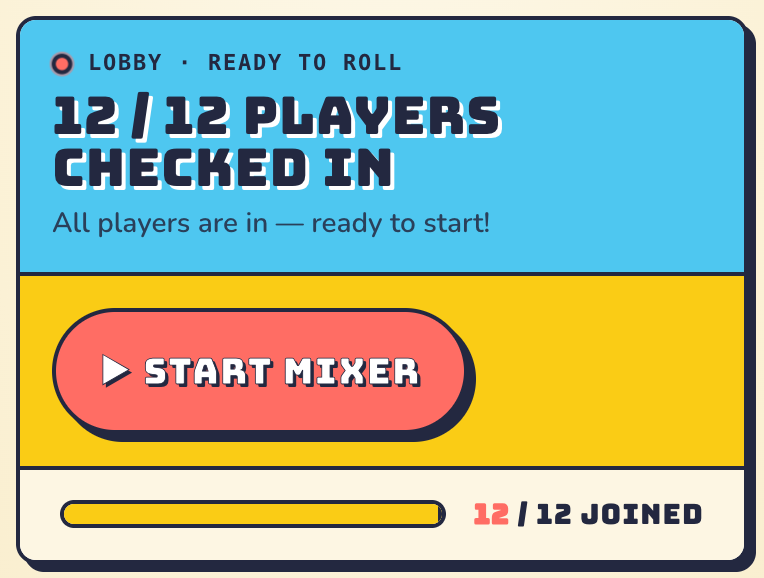
Tap Start Mixer. If it reads Need N more players, you're short of filling your courts. Add players, use fewer courts, or turn on Allow uneven number of players so spares sit out in turn. Nobody sits out twice in a row.
05 Play & score # link
Once it starts, the mixer has three tabs: Courts (live games), Standings (the leaderboard) and Rounds (every finished game).
Score a game
- Find your court on the Courts tab. On a phone, swipe sideways between courts.
- Tap each team’s + or −, or tap the number to type it.
- When the game ends, tap Submit Score.
- If scores need approval, anyone else on that court, or the host, taps Approve Score.
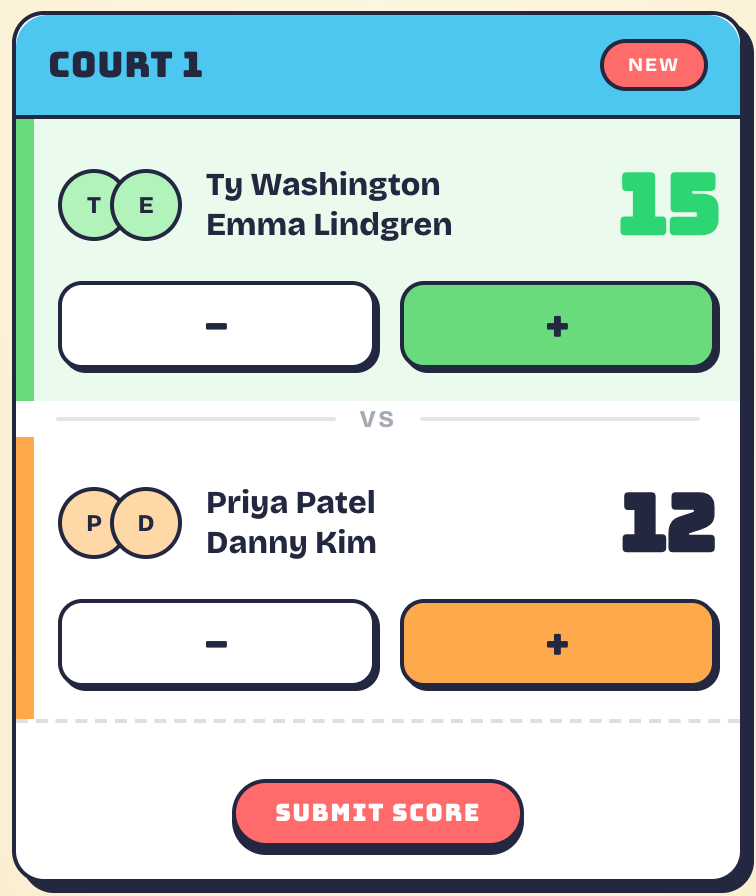
Players on a court can score it, and so can you and your co-hosts. Made a mistake? Undo reopens the game until the next round starts.
Some formats play more than one game per round. Tap the Game 1, Game 2 buttons under the court to switch games.
Below the courts, Sitting out shows who has a bye. On a Round Robin, Up Next previews the next round too. Timed games show a countdown at the top.
Next round
When every court is in, Start Next Round → appears at the top. You and your co-hosts can tap it, or anyone if Allow player advance is on. dinked.in re-pairs everyone by your format. Pool Play doesn't do rounds: once the pools are played, tap Set Up Bracket → or finish.
06 Schedule, standings & sharing # link
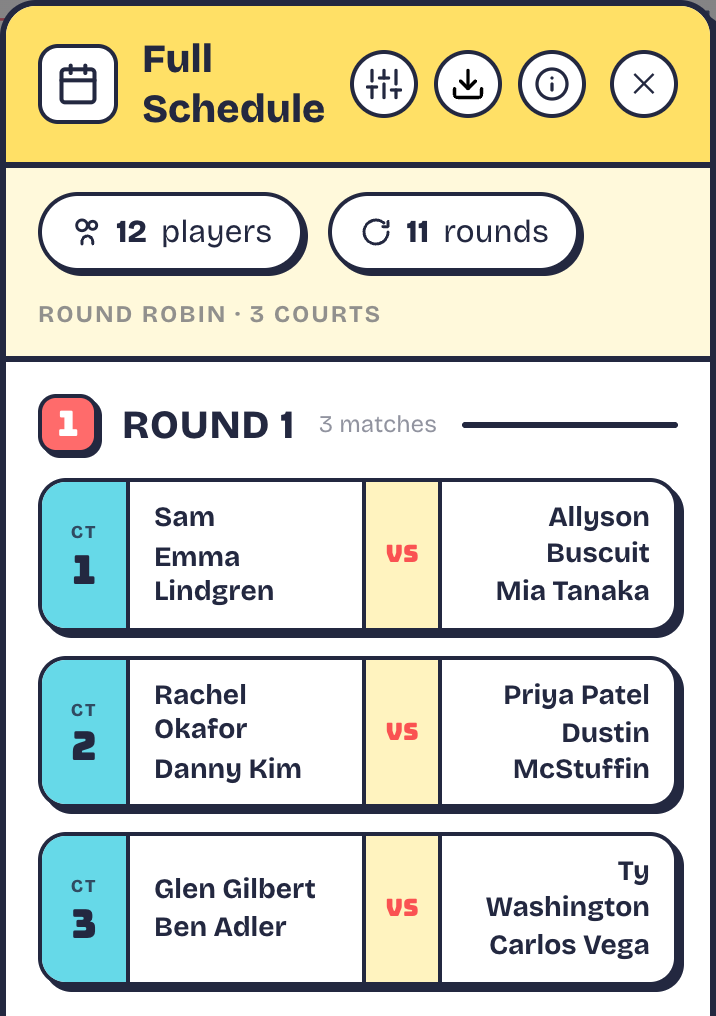
The schedule
Round Robin plans every round before play. Open the Full Schedule from Schedule in the lobby, or the calendar icon at the top once you've started. Pool Play's schedule opens from the same icon after the start. As the host, you can download it as an Excel file from inside the schedule.
Bump, Popcorn and the other formats pair each round from the last one's results, so there's no schedule to print: each round's courts appear on the Courts tab when it starts.
Standings
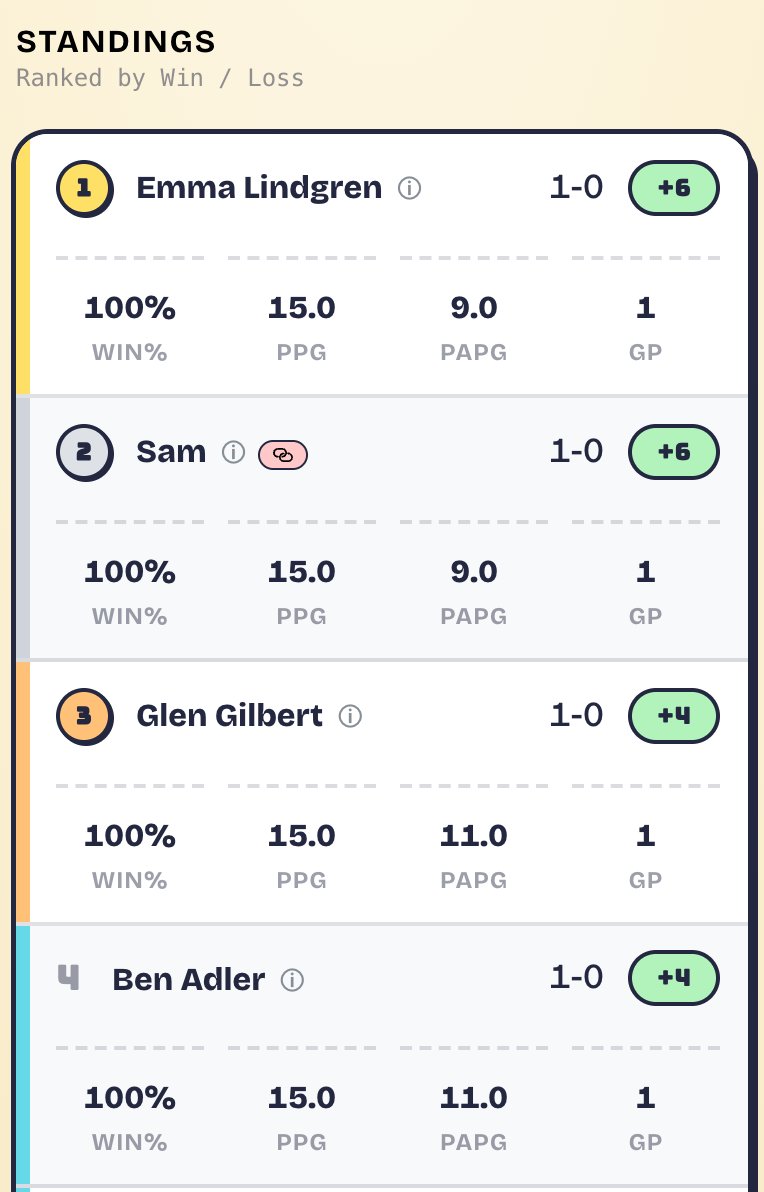
The Standings tab ranks everyone by the format you chose, with wins and losses, win percentage, point difference and games played. It updates the moment a score is in. Early ranks wobble, and they settle after a few rounds.
The Rounds tab lists every finished game. As the host, tap the pencil on a game to fix its score.
Let people watch
Tap the info button at the top for the Spectate link, or show the spectate QR from the lobby. Anyone can watch live scores and standings. No account needed, and it looks great on a TV by the courts.
07 Finish up # link
- When the last round is in, tap Finish Mixer. The standings lock and everyone sees That's a wrap! Left Total rounds at 0 so it runs until you stop? Then end it with End Mixer below.
- Calling it early? Open the settings cog and tap End Mixer.
- Ended too soon? Reopen mixer is in the same cog.
- Started by accident? Un-start session sends everyone back to the lobby, as long as nothing's been scored.
08 Pick a format # link
Your format decides who you partner with and how you move. Rotating formats change partners every game. Fixed formats keep pairs together all night.
Rotating partners
 Round Robin Fairest · 4–28 players A full schedule partners you with, and against, everyone at least once.
 Bump Easy · 8–16 players Winners move up a court, losers move down. One of each pair rotates.
 Popcorn Chaos · 8–28 players Everyone reshuffles to new courts and partners after every game.
 Up & Down River Seeded · 8–24 players Three games per court with each partner, then courts re-sort by points.
 Gauntlet Skill-matched · 8–28 players Courts re-sort by points after every game. Higher courts score more.
 Claim the Throne Pairs climb · 8–28 players Winning pairs move up together, losers drop, then everyone re-teams.
Fixed partners
- Round Robin Pairs · 4–28 players Your pair plays every other pair on a balanced schedule.
 Tandem Ladder Pairs · 8–24 players Win and climb a court together, lose and slide down together.
 Pool Play Pairs in pools · 8+ players Pairs play everyone in their pool, then on to a bracket if you like.
 Shuffle Pairs · 8–28 players A fresh opposing pair every round, for as long as you like.
Seeded formats (Up & Down River, Gauntlet and Claim the Throne) place players on courts by skill level to start, so ask players to set theirs in their profile.
09 Contact Us # link
Still stuck?
Tell us what tripped you up and we'll help you sort it.